Before you can send and use any information from the Pocket Stock app, you will need to have the registration configured in Idealpos.
To be able to use Pocket Stock with Idealpos, you will need to have the Stock Manage module licensed on your terminal.
Only one terminal within a Site will require the registration, which will also be the only terminal to accept incoming data.
The Stock Manage module must be on the license of the terminal that uses the POSServer.
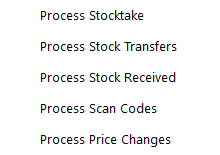
When Stock Manage has been enabled in the Licence Gateway, a new menu will display at the top of the Back Office screen called “Stock Manage”.